Getting Started

How Breeze Apply Works

Go from installation to submitting applications in under 3 minutes. Here's everything you need to know.

01

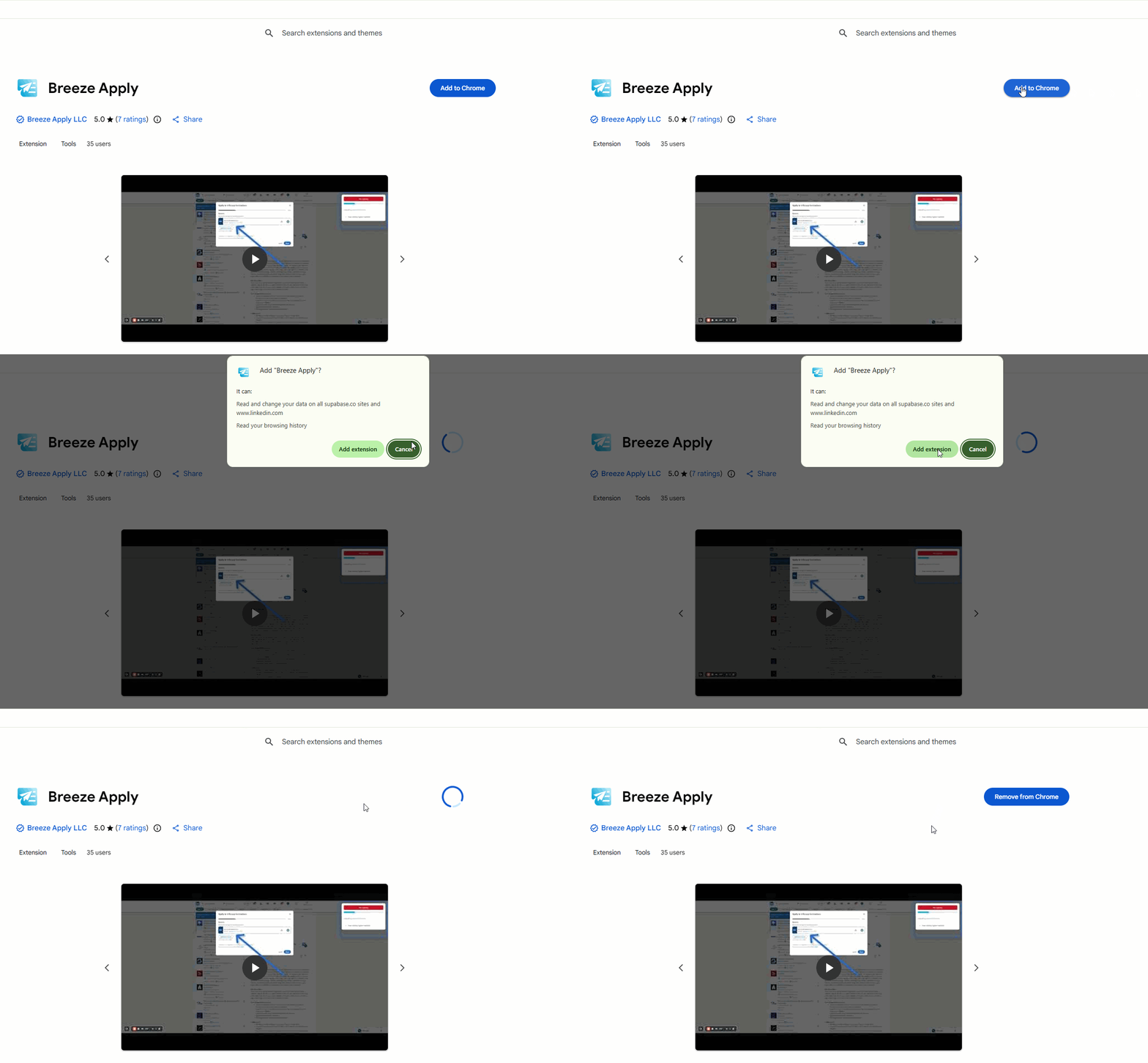
Add Breeze Apply to Chrome

Install the Breeze Apply extension from the Chrome Web Store. It's free to get started and takes just one click to add.

Chrome Web Store installation
02

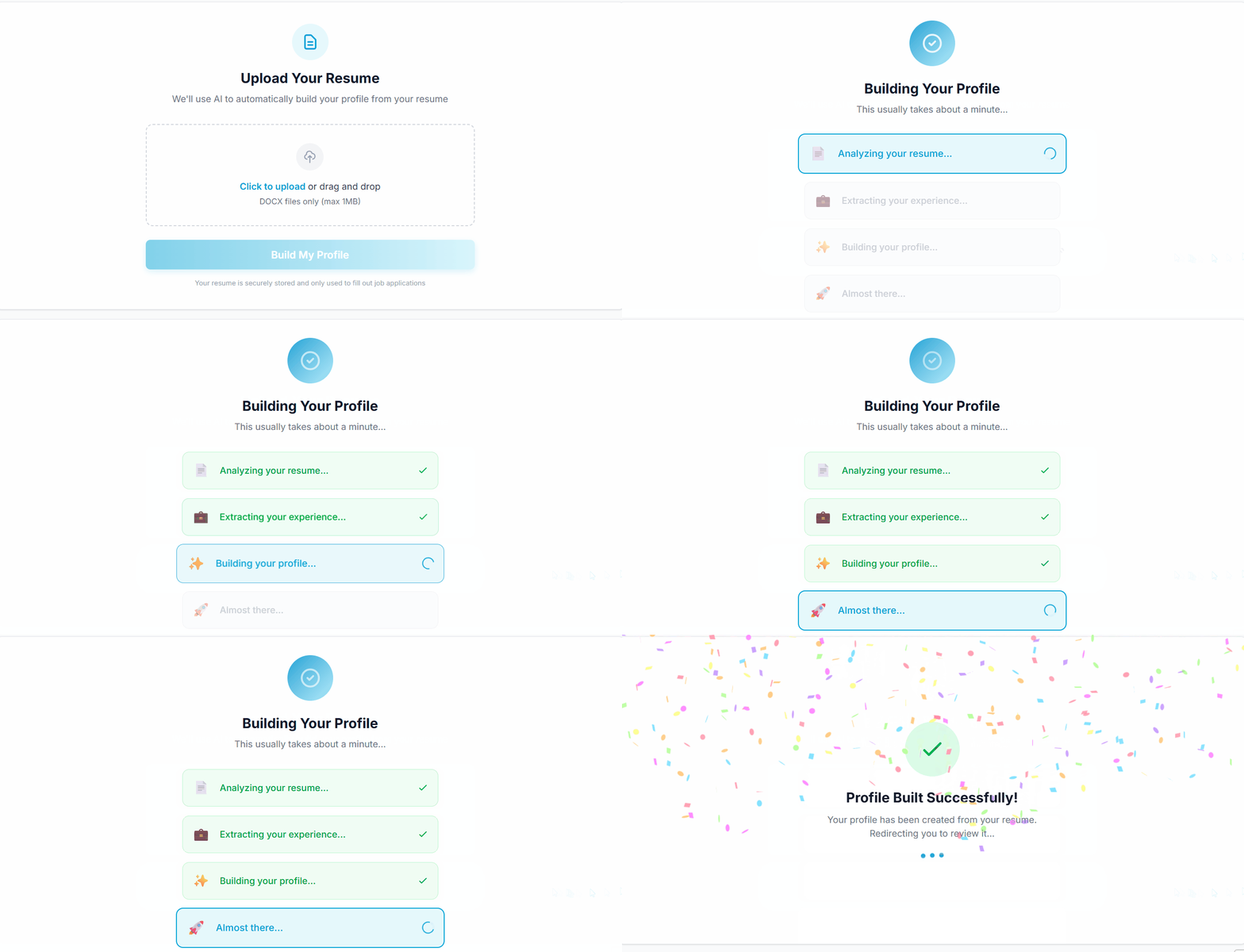
Sign In & Build Your Profile

Sign in with Google and upload your resume. Breeze Apply extracts your information to build your profile.

Profile builder with resume upload
03

Start Applying

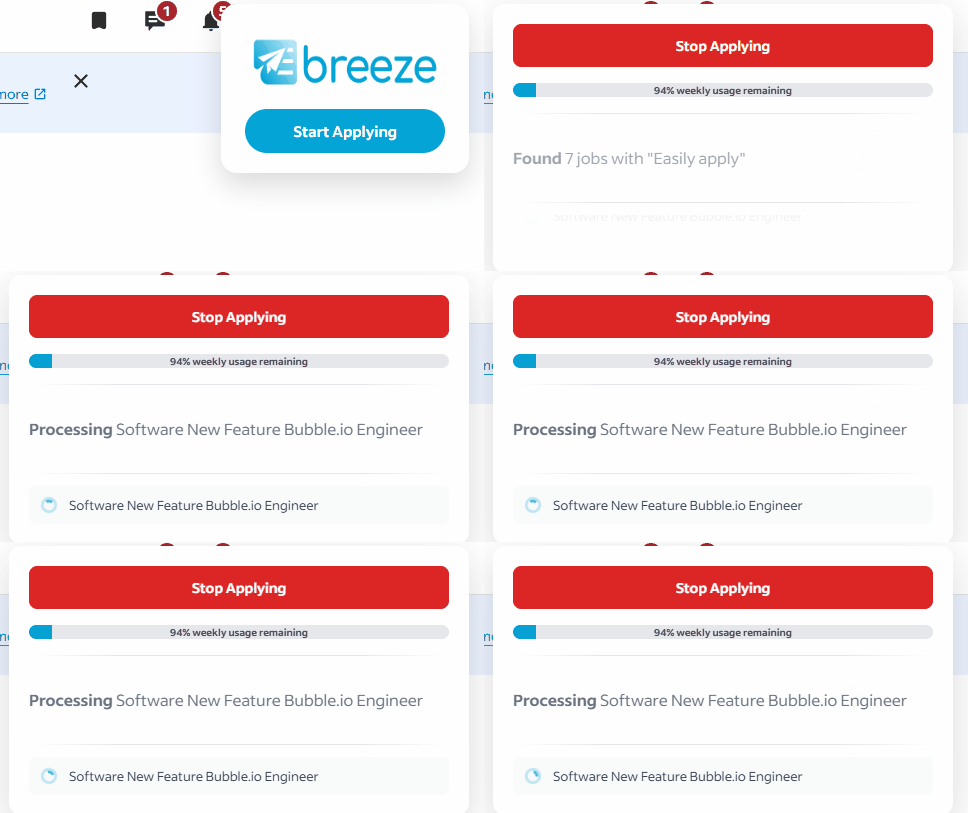
Visit LinkedIn or Indeed and search for jobs. You'll see the Breeze Apply Start Applying button in the top right corner of the page. Click "Start Applying" and watch as Breeze Apply fills out and submits applications one after another.

Breeze Apply handling job applications

Ready to Start Applying?

Join thousands of job seekers who are saving hours every week with Breeze Apply.