Job Applications Completed
With One Click
Stop wasting hours on repetitive forms. Breeze Apply handles your job applications on LinkedIn, Indeed, and 20+ other job boards — so you don't have to.
 Add to Chrome - It's Free
Works With





See How It Works
From Job Search to Application in Seconds
AI-powered form filling, resume optimization, and multi-application automation.
Features
Apply Smarter, Not Harder
Powerful tools and features that transform how you apply to jobs
ATS-Optimized Resume
Each application gets a tailored version of your resume. We rewrite your skills section, professional summary, and headline to match the job posting — using the right keywords, phrasing, and the exact target job title. Every optimized resume is available to download from your application history page.
- Headline rewritten to match the exact job title
- Skills & summary rewritten with job-specific keywords
- Professional formatting preserved across all changes
Resumes matching the exact target job title have a 10.6x higher interview rate
Jobscan — The State of the Job Search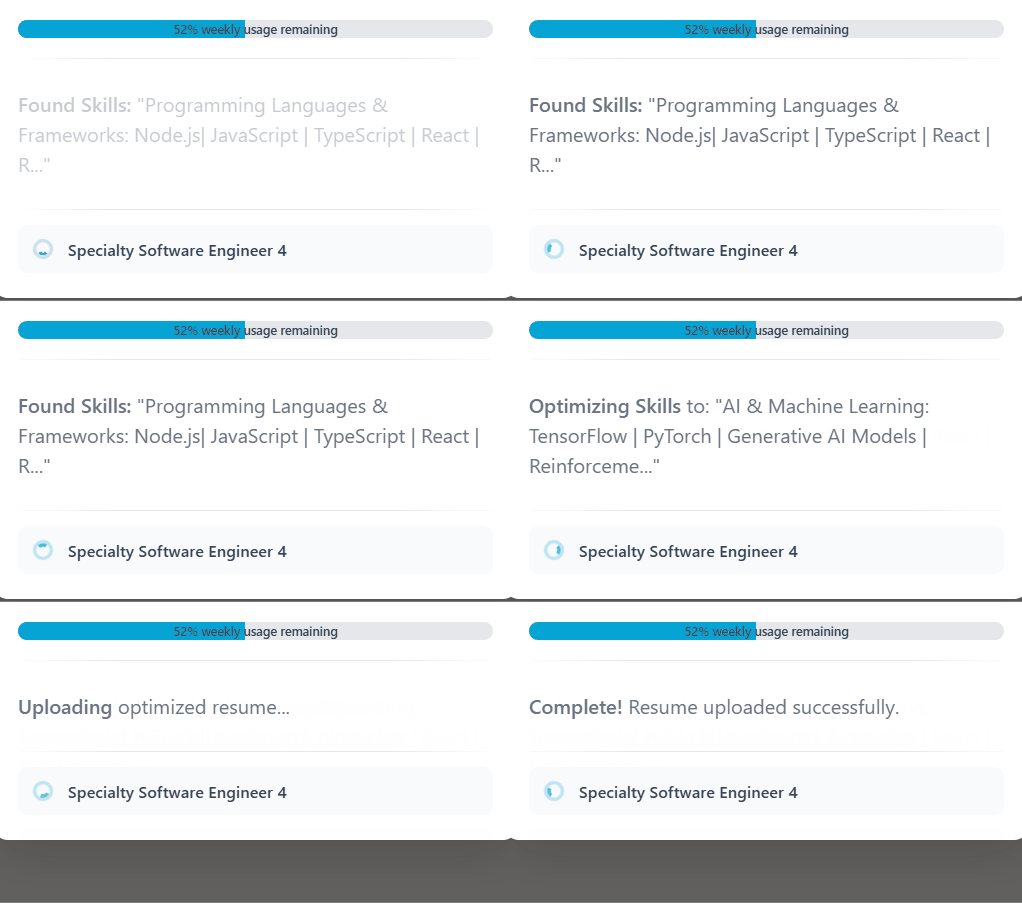
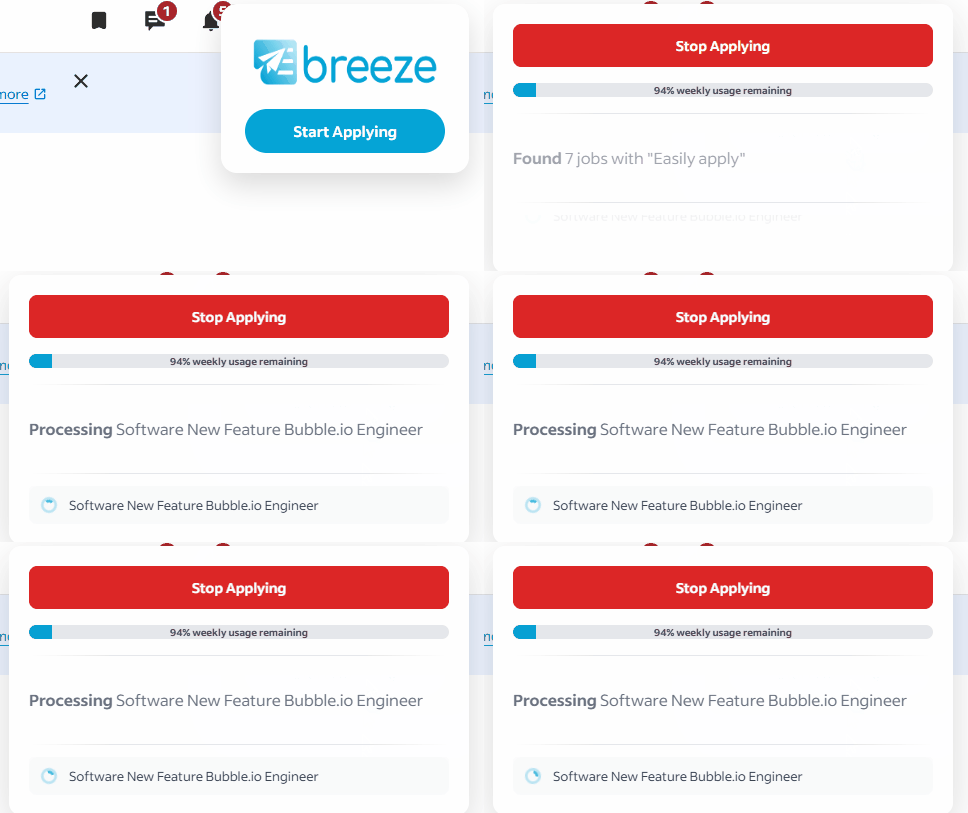
Continuous Applications
Click once and watch Breeze Apply fill out and submit application after application. It moves to the next job on the page, handling the entire process while you sit back.
- Continuous applying
- Auto-submit enabled
- Batch apply to multiple jobs
Magic Fill
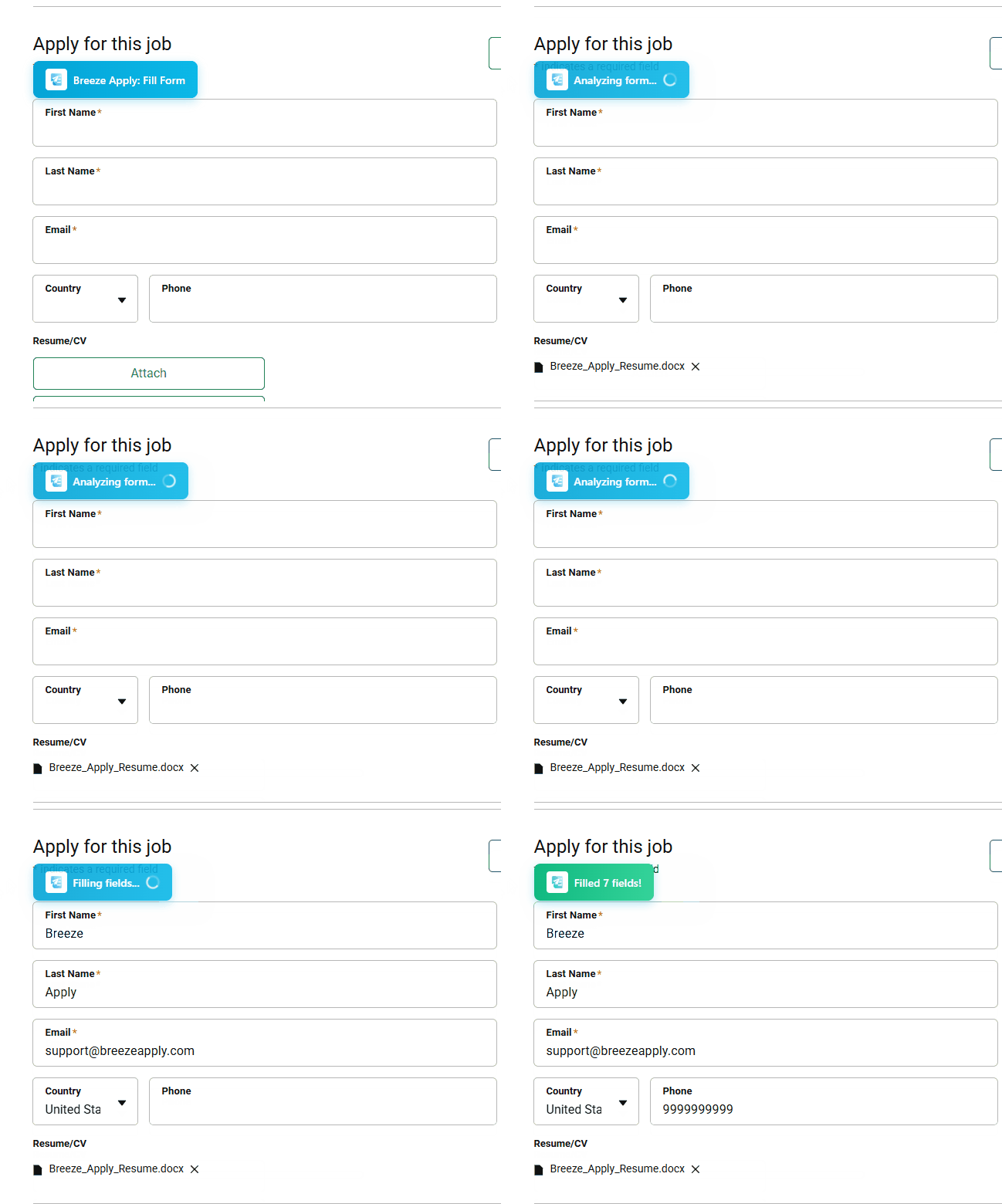
For job boards that require more interaction, Magic Fill instantly populates every field on the page with your information. One click fills out entire application forms in seconds.
- One-click form filling
- Works on 20+ job boards
- Smart field detection
You're Always In Control
Fine-tune how Breeze Apply answers questions with advanced settings. Adjust confidence levels, re-use your existing answers, and customize how your profile information is used. Your applications, your rules.
The Real Impact
What Changes When You Use Breeze Apply
It's not just about applying faster — it's about getting your time back
Without Breeze Apply
- 15-20 minutes per application
- Copying and pasting the same info repeatedly
- Manually tailoring resumes for each job
- Exhaustion after just 5-10 applications
- Less time for interview prep and networking
With Breeze Apply
- Apply to jobs in seconds, not minutes
- Your info fills in everywhere with one click
- Build a daily application habit effortlessly
- Apply to 50+ jobs without burnout
- Focus your energy on prep and interviews
What You Get Back
Time you can actually use for what matters
Interview Prep
Actually practice for interviews instead of filling out forms
Networking
Reach out to hiring managers and build connections
Your Sanity
Job hunting is stressful enough without the repetitive busywork
No inflated stats. No fake reviews. Just a tool that saves you real time.